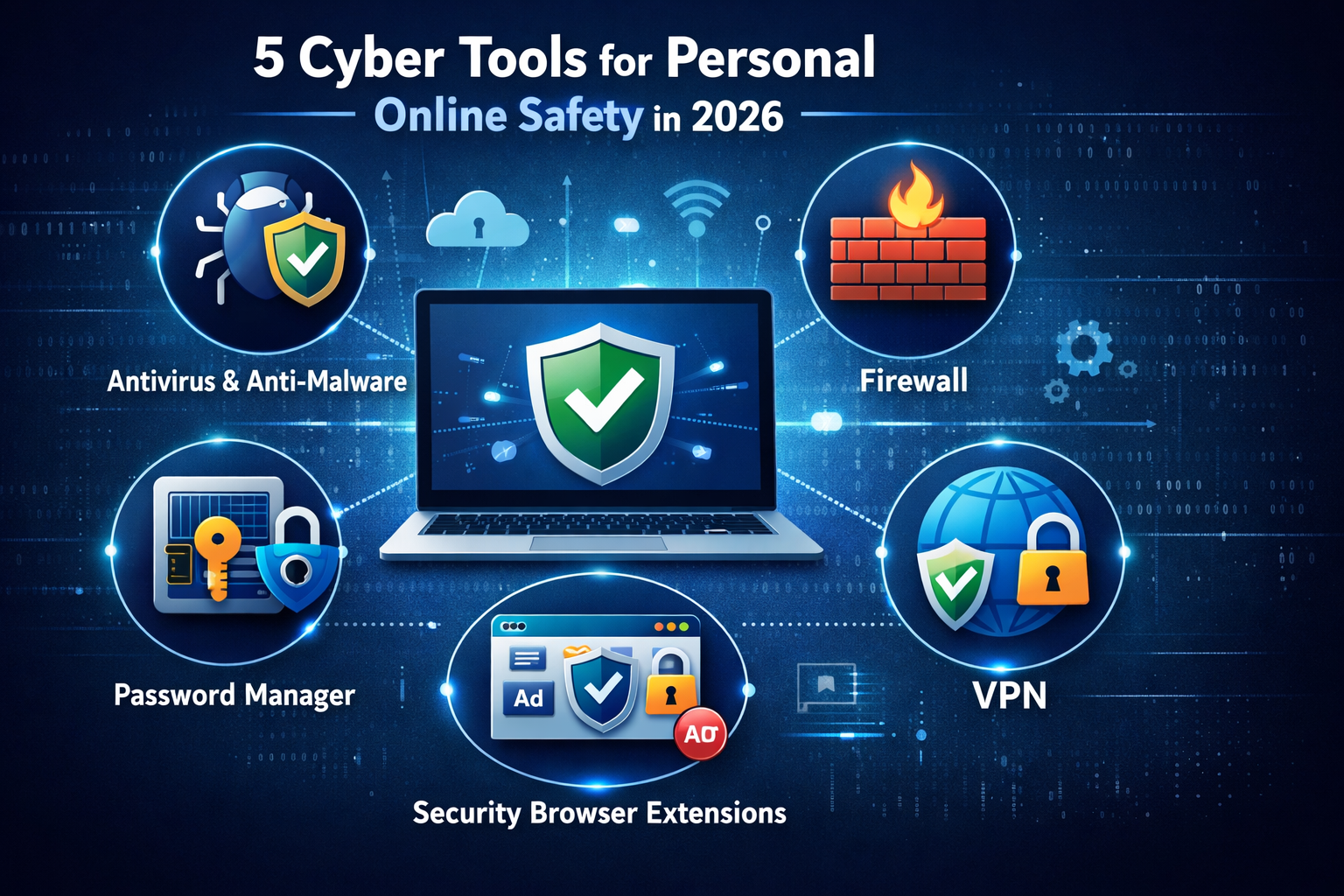
In today’s digital age, personal online safety is more important than ever. Every day, millions of people use the internet for banking, social media, shopping, and communication. While these activities make life easier, they also expose users to risks such as identity theft, malware attacks, phishing scams, and data breaches. Protecting yourself online requires more than just strong passwords—it requires using the right cyber tools. This article explores 5 types of cyber tools for personal online safety that everyone should consider in 2026.
1. Antivirus and Anti-Malware Software
Antivirus and anti-malware tools are the first line of defense for your digital devices. These tools are designed to detect, block, and remove viruses, malware, ransomware, and other malicious software that can compromise your personal information.
How They Work:
- Real-time scanning: Monitors your device for suspicious files or activity.
- Automatic updates: Ensures protection against the latest threats.
- Email and web protection: Blocks malicious links or attachments in emails and websites.
Using antivirus software regularly is essential to prevent malware infections that can steal your passwords, financial data, or personal files. Popular examples include tools that provide both malware protection and system optimization, ensuring your devices run safely and efficiently.
Key takeaway: If you don’t already have antivirus protection, installing it should be your first step toward online safety.
2. Firewalls
A firewall is a security system that monitors and controls incoming and outgoing network traffic. It acts as a barrier between your device and potential threats from the internet.
Benefits of Firewalls:
- Prevent unauthorized access: Stops hackers from entering your device or home network.
- Monitor data traffic: Detects unusual activities that may indicate cyber attacks.
- Custom rules: Allows you to control which programs can access the internet.
Firewalls can be either software-based, which run on your device, or hardware-based, which are part of your router or network setup. Most modern operating systems include a basic firewall, but advanced users can install third-party firewall tools for more comprehensive control.
Key takeaway: Using a firewall adds an extra layer of protection, especially when you are on public Wi-Fi or managing sensitive data.
3. Password Managers
Passwords are the gateway to your online accounts, but managing dozens of strong, unique passwords can be challenging. This is where password managers become essential.
Features of Password Managers:
- Generate strong passwords: Automatically create complex passwords that are hard to guess.
- Store securely: Encrypt your passwords in a secure vault.
- Auto-fill passwords: Save time by filling in login credentials automatically.
Using a password manager ensures you do not reuse passwords, which is a common cause of account breaches. Combined with two-factor authentication, password managers significantly enhance personal online security.
Key takeaway: If you want to protect your accounts from hacking, a password manager is one of the most effective tools available.
4. Virtual Private Networks (VPNs)
A VPN (Virtual Private Network) protects your online activity by encrypting your internet connection. VPNs are especially useful when using public Wi-Fi networks, which are often unsecured and vulnerable to hackers.
Benefits of VPNs:
- Encrypt internet traffic: Prevents hackers from intercepting your data.
- Hide your IP address: Helps maintain privacy and anonymity online.
- Access restricted content: Some VPNs allow access to websites or services that may be blocked in certain regions.
By using a VPN, you can prevent cybercriminals from tracking your location or stealing sensitive data such as login credentials and financial information. A VPN is an essential tool for anyone concerned about online privacy and digital safety.
Key takeaway: A VPN is a must-have tool for secure browsing and maintaining privacy in an increasingly monitored online world.
5. Security and Privacy Browser Extensions
Many cyber threats are encountered while browsing the internet, including phishing attacks, malicious ads, and trackers. Security and privacy browser extensions help protect users directly within their web browsers.
Examples of Extensions:
- Ad blockers: Block malicious advertisements and pop-ups that may contain malware.
- Anti-tracking tools: Prevent websites from collecting your browsing data.
- Password and form managers: Help manage login credentials securely.
These tools enhance your online safety without requiring complex setup. Modern browsers often include built-in privacy features, but additional extensions can provide stronger protection. Using these extensions, you can enjoy safer web browsing and prevent data leaks.
Key takeaway: For safer browsing, combine privacy-focused extensions with antivirus software and a VPN to cover multiple layers of protection.
Why Using Multiple Cyber Tools Matters
Relying on a single tool is not enough in today’s digital environment. Cyber threats are constantly evolving, and attackers often use multiple techniques simultaneously. By combining antivirus software, firewalls, password managers, VPNs, and browser security extensions, you create a multi-layered defense system. Each tool addresses a different aspect of online security, from device protection to privacy and identity safety.
Tips for Staying Safe Online
- Keep your software and tools updated regularly to patch security vulnerabilities.
- Avoid clicking unknown links or downloading suspicious files.
- Enable two-factor authentication wherever possible.
- Educate yourself about common online scams and phishing attempts.
- Regularly back up important files to prevent data loss from ransomware attacks.
Conclusion
In 2026, personal online safety requires proactive measures. Cybercriminals are becoming more sophisticated, but by using the right cyber tools, you can protect your devices, data, and identity effectively. The five tools discussed—antivirus and anti-malware software, firewalls, password managers, VPNs, and security browser extensions—cover the essential aspects of personal online safety. Implementing these tools and following best practices ensures you can enjoy the internet without compromising your security.
Protecting yourself online is not optional; it is essential. Start by choosing the right tools today and build a safer digital life for yourself and your family.