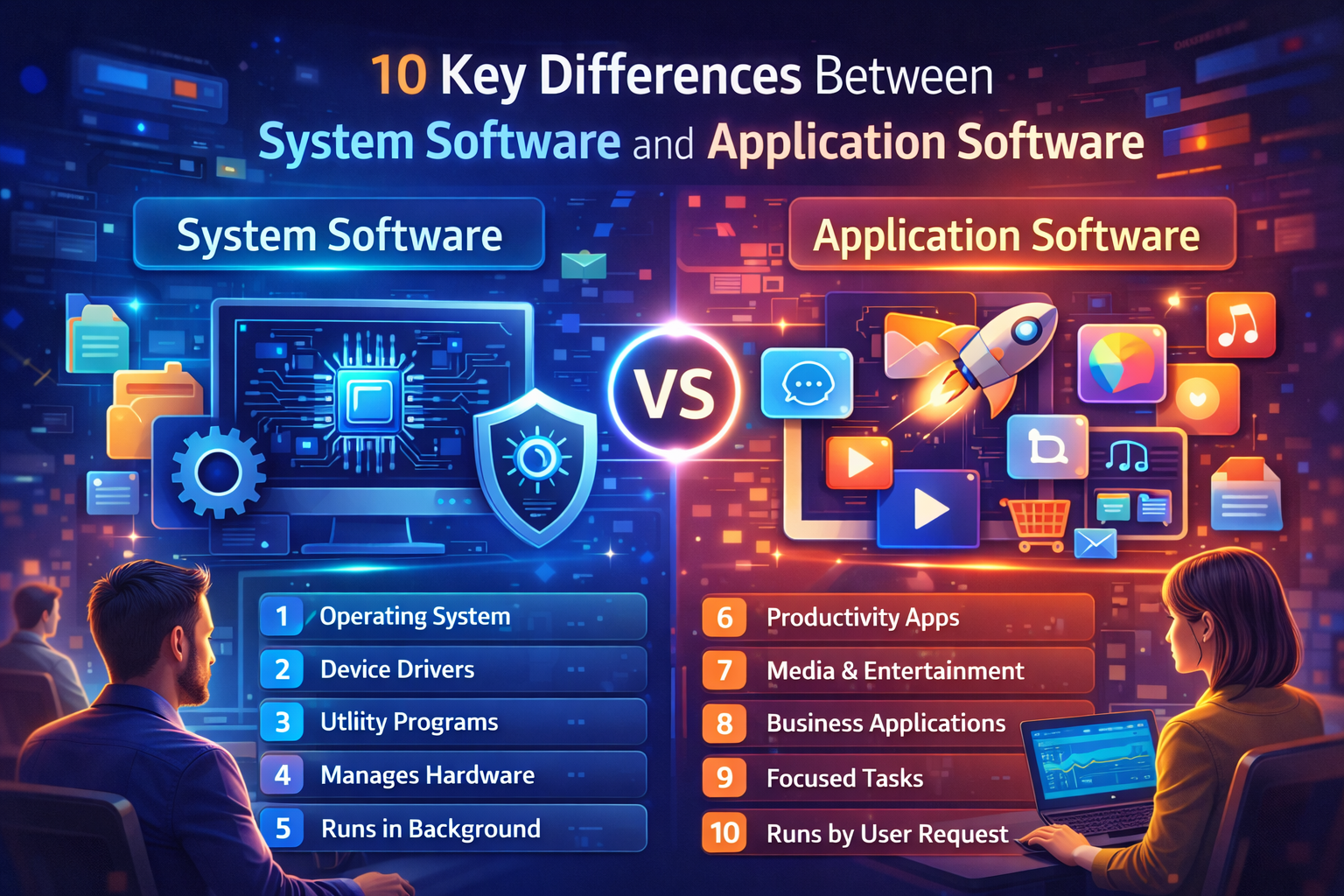
In the world of computing, software is an essential part that allows hardware to function efficiently. Broadly, software is divided into system software and application software. While both are critical, they serve very different purposes. Understanding the differences between system software and application software helps users make better decisions about installation, usage, and maintenance.
Here are the 10 key differences between system software and application software:
1. Purpose
The main purpose of system software is to manage and control computer hardware, ensuring the system operates smoothly. It acts as a bridge between the hardware and the user.
In contrast, application software is designed to help users perform specific tasks such as word processing, browsing the web, or playing games. It focuses on user productivity rather than hardware management.
2. Examples
Some common system software examples include operating systems like Windows, macOS, and Linux, as well as utility programs like antivirus software and disk management tools. These are essential for a computer’s basic functionality.
Meanwhile, application software examples include Microsoft Office, Adobe Photoshop, web browsers, and media players. These applications are installed according to user needs and are not required for the system to operate.
3. Interaction with Hardware
System software interacts directly with the computer’s hardware to manage operations such as CPU scheduling, memory allocation, and input/output devices.
On the other hand, application software depends on system software to interact with hardware. For instance, a game relies on the operating system to manage graphics, memory, and storage access.
4. Installation Requirement
System software installation is usually pre-installed or essential when setting up a new device. Without it, a computer cannot function.
In comparison, application software installation is done by the user according to their needs. It enhances functionality but is not mandatory for system operation.
5. Dependency
System software can operate independently and does not rely on application software to manage a computer. Operating systems, compilers, and utilities work without any application software installed.
Conversely, application software depends on system software. Without an operating system or required drivers, applications cannot function. Microsoft Word, for example, requires Windows or macOS to run.
6. Complexity
System software is generally more complex because it manages hardware resources and ensures multiple applications can run simultaneously without conflicts. Operating systems and utilities contain millions of lines of code to manage processes, memory, and security.
Application software is less complex compared to system software. Its focus is on performing user-specific tasks like editing documents or browsing the web. While it can be sophisticated, it does not handle hardware management directly.
7. User Interaction
System software usually operates in the background and requires minimal direct user interaction. Users may access settings or control panels occasionally, but most of its processes are automatic.
In contrast, application software is user-focused and requires active engagement. Users launch applications, perform tasks, save work, and adjust settings according to their preferences.
8. Functionality
System software provides core functions such as managing hardware, memory, file systems, and security protocols, ensuring applications and hardware work together efficiently.
Application software provides specialized functionalities like creating documents, editing images, playing games, or browsing the internet. Its scope is limited to the tasks it is designed for.
9. Updates and Maintenance
System software updates are crucial for improving performance, security, and compatibility with new hardware or applications. These updates help maintain a stable computing environment.
Application software updates focus more on adding features, fixing bugs, or enhancing user experience. While important, they do not affect the system’s core operation.
10. Cost and Licensing
System software can be proprietary or open-source. Windows is commercial and requires a license, while Linux is free and open-source. Due to its complexity and essential role, system software is usually more costly.
Application software also comes in free and paid versions. Users can choose based on their needs and budget. For instance, LibreOffice is free, while Microsoft Office requires a subscription.
Conclusion
In conclusion, system software and application software serve distinct but complementary roles. System software manages hardware and ensures smooth computer operation, while application software allows users to perform specific tasks efficiently. Understanding the differences helps users optimize their computers, choose the right software, and enhance productivity.
For more detailed insights on various software types and applications, visit our Software Applications category for in-depth guides and articles.