Creating videos for YouTube takes time, effort, and creativity. One of the most important parts of any video is the voice. A clear, natural voice can make your content more engaging and professional. This is where ElevenLabs becomes very useful for YouTube creators.
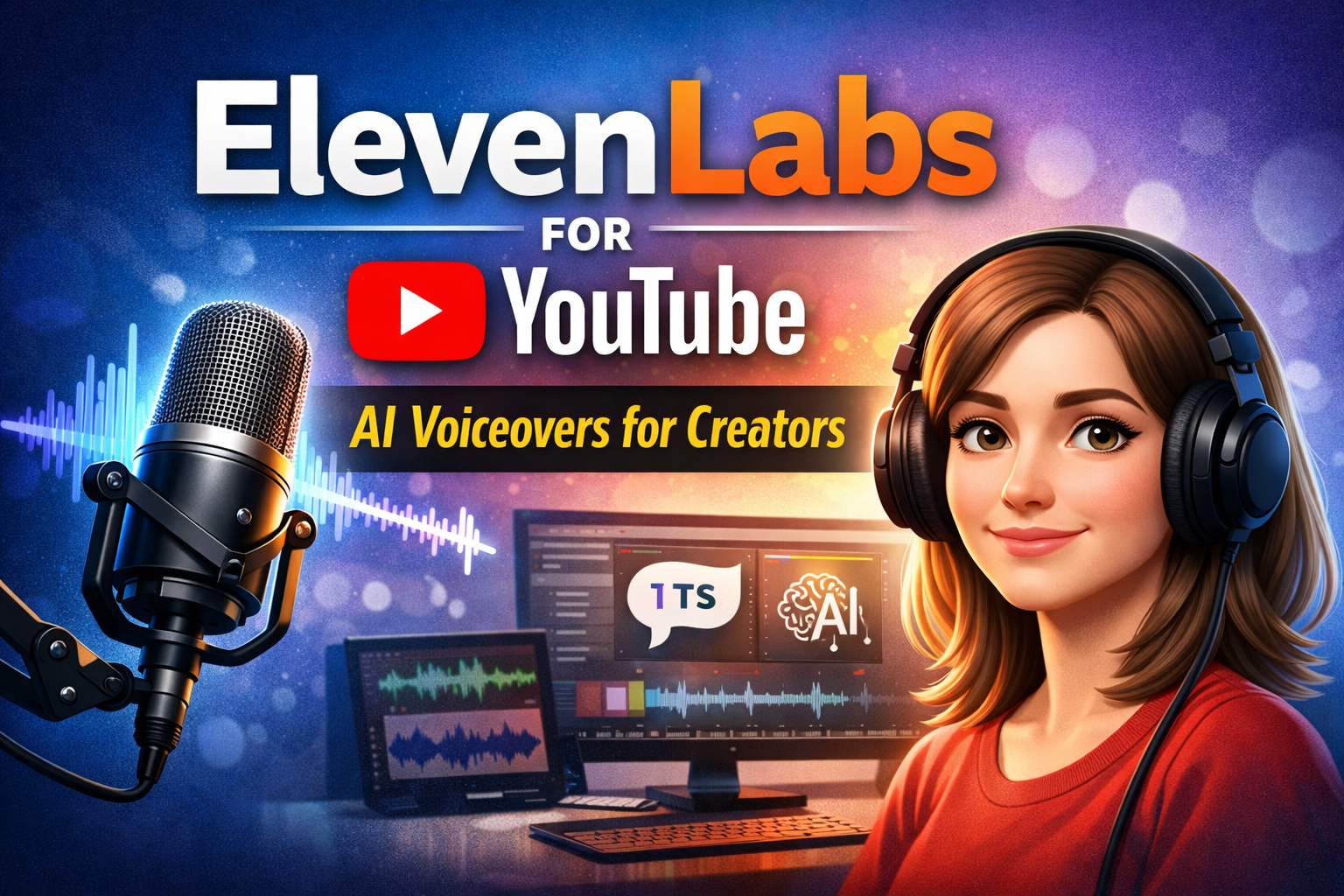
ElevenLabs for YouTube is an AI-powered voice generation tool that helps creators produce high-quality voiceovers without recording their own voice. Whether you run a faceless YouTube channel or want to save time on narration, ElevenLabs can be a powerful solution.
In this guide, we will explain what ElevenLabs is, how it works, and how YouTube creators can use it effectively.
What is ElevenLabs?
ElevenLabs is an advanced AI text-to-speech tool that converts written text into realistic human-like voices. Unlike traditional robotic voice generators, ElevenLabs produces natural tone, emotions, and smooth pronunciation.
This tool is widely used for:
- YouTube voiceovers
- Audiobooks
- Podcasts
- Explainer videos
- Educational content
For YouTube creators, ElevenLabs AI voice makes it easy to create professional narration without expensive equipment or voice actors.
Why Use ElevenLabs for YouTube?
Many YouTube creators struggle with voice recording. Background noise, accent issues, or lack of confidence can affect video quality. ElevenLabs for YouTube videos solves these problems.
Here are some key benefits:
1. Natural-Sounding AI Voice
ElevenLabs produces voices that sound very close to real humans. This improves viewer retention and trust.
2. Perfect for Faceless YouTube Channels
If you run faceless YouTube channels, ElevenLabs allows you to create content without showing your face or using your own voice.
3. Saves Time and Effort
You can generate voiceovers in minutes. No need for retakes or editing audio recordings.
4. Multiple Voice Options
ElevenLabs offers different voice styles, accents, and tones, making it easy to match your niche.
How ElevenLabs Works
Using ElevenLabs text to speech is very simple.
First, you write your YouTube script. This can be a tutorial, story, explanation, or review. Then, you paste the text into ElevenLabs and choose a voice. The AI processes the text and generates audio that you can download and use in your video.
The process is beginner-friendly and does not require technical knowledge.
Best YouTube Niches for ElevenLabs
ElevenLabs can be used in almost any niche, but it works especially well in the following:
1. Educational Channels
Creators who explain concepts, facts, or tutorials can use AI voiceovers for YouTube to deliver clear and professional narration.
2. Storytelling Channels
Horror stories, motivational stories, or fictional content sound more engaging with realistic AI voices.
3. Tech and AI Channels
Using ElevenLabs AI voice matches perfectly with tech-related content.
4. Finance and Business Channels
Professional-sounding narration builds trust and authority.
5. Shorts and Automation Channels
ElevenLabs works well for both long videos and YouTube Shorts.
How to Use ElevenLabs for YouTube Videos
Here is a simple step-by-step approach:
Step 1: Write a Clear Script
A good script is the foundation. Keep sentences short and conversational. This helps ElevenLabs produce better results.
Step 2: Generate Voice Using ElevenLabs
Paste your script into the tool, select a suitable voice, and generate the audio.
Step 3: Download and Edit
Download the audio file and add it to your video using any video editing software.
Step 4: Sync with Visuals
Make sure the voiceover matches the visuals, text, or images in your video.
Tips for Better ElevenLabs Voiceovers
To get the best results from ElevenLabs for YouTube, follow these tips:
- Use simple language and punctuation
- Avoid very long sentences
- Add pauses by breaking paragraphs
- Read your script once before generating audio
- Choose a voice that matches your audience
These small changes can make your AI-generated voiceovers sound even more natural.
Is ElevenLabs Safe for YouTube Monetization?
Many creators ask whether ElevenLabs voiceovers are allowed on YouTube. The answer is yes, but content quality matters.
YouTube focuses on value, originality, and viewer experience. If you use ElevenLabs to create helpful, original content with proper visuals and editing, monetization should not be a problem.
Avoid uploading low-effort videos with reused scripts. Combine AI voiceovers with original ideas, visuals, and editing.
ElevenLabs Free vs Paid Plans
ElevenLabs usually offers limited free usage and paid plans with more features. Free plans are useful for testing, but serious YouTube creators benefit from paid plans due to higher voice quality, longer scripts, and consistent output.
For growing channels, investing in ElevenLabs AI voice generator can save time and increase content quality.
Common Mistakes to Avoid
When using ElevenLabs for YouTube automation, avoid these mistakes:
- Using the same voice in every video without variation
- Not proofreading the script
- Uploading videos without visuals
- Overusing AI without creativity
Remember, AI is a tool, not a replacement for good content strategy.
Future of AI Voiceovers on YouTube
AI voice technology is improving rapidly. Tools like ElevenLabs are setting new standards for realistic speech generation. In the future, more creators will rely on AI voiceovers for YouTube content to scale their channels faster.
Creators who learn to use AI properly will have a strong advantage in content creation and consistency.
Final Thoughts
ElevenLabs for YouTube is an excellent tool for creators who want professional voiceovers without the hassle of recording audio. It is easy to use, sounds natural, and fits many YouTube niches.
Whether you are starting a new channel or scaling an existing one, ElevenLabs AI voice generator can help you save time, improve quality, and stay consistent.
Used wisely, ElevenLabs can become an essential part of your YouTube content workflow.