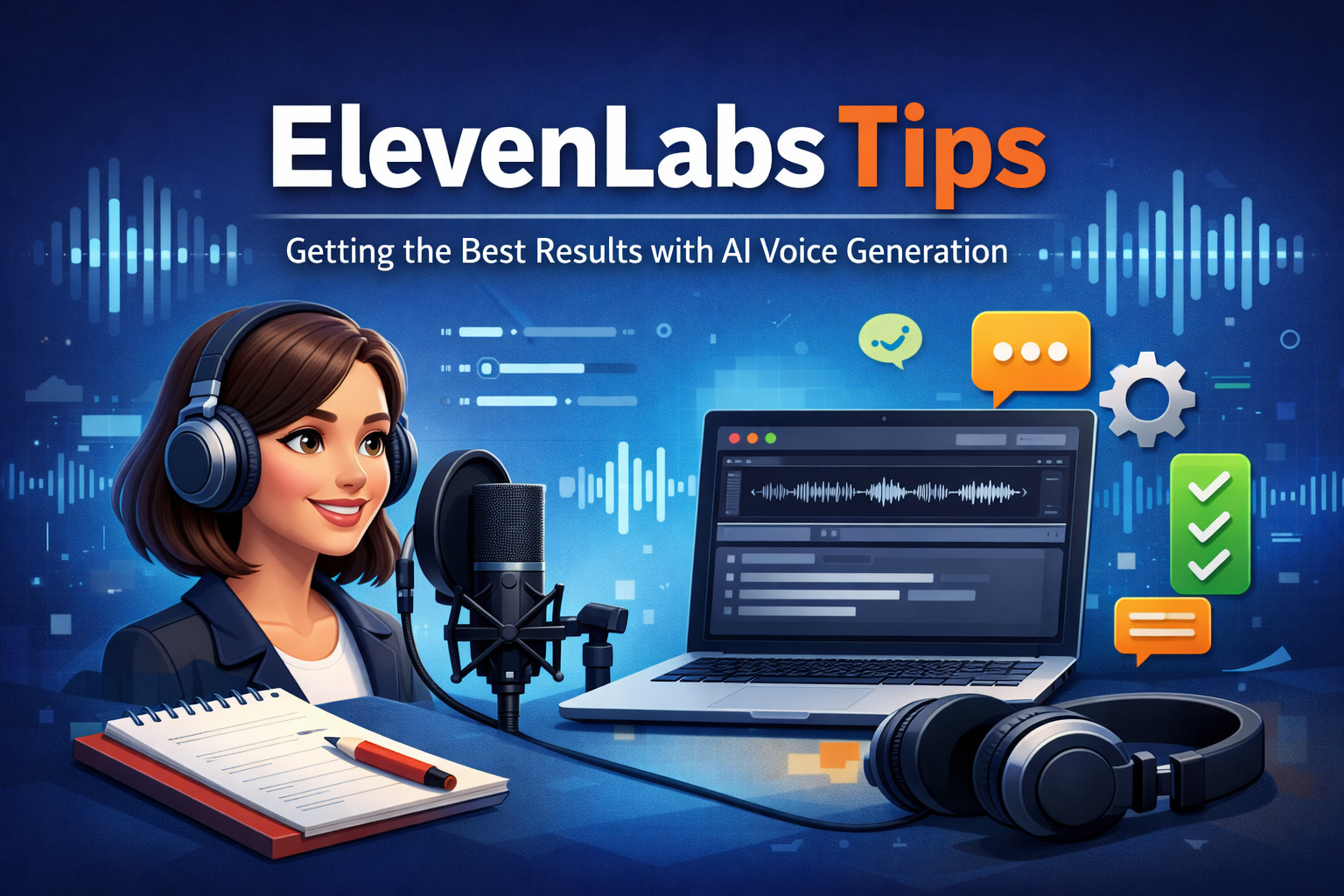
ElevenLabs has become one of the most popular platforms for AI voice generation. It is widely used for voiceovers, audiobooks, videos, podcasts, learning content, and accessibility projects. While the tool is powerful even for beginners, knowing the right techniques can significantly improve voice quality, realism, and efficiency. This guide shares practical ElevenLabs tips to help you get professional results while saving time and effort.
Understand Voice Models Before You Start
One of the most important ElevenLabs tips is to understand how voice models work. ElevenLabs provides multiple voices, each trained with a unique tone, pitch, and speaking style. Some voices sound conversational, while others are better suited for narration or storytelling.
Before generating long audio, test a few sentences with different voices. Pay attention to clarity, emotion, and pacing. Choosing the right voice model at the start reduces the need for repeated edits and re-generation.
Use Clear and Well-Formatted Text
AI voices perform best when the input text is clean and structured. Avoid large blocks of text without punctuation. Use commas, periods, and line breaks naturally to guide the voice.
For better results:
- Break long paragraphs into smaller sentences
- Use proper capitalization
- Avoid excessive symbols or abbreviations
This simple habit improves pronunciation and flow, making the generated audio sound more human. Clean formatting is one of the most overlooked ElevenLabs tips, yet it has a big impact.
Adjust Stability and Clarity Settings Carefully
ElevenLabs allows you to control voice behavior using sliders like stability and clarity. These settings directly affect how natural or expressive the voice sounds.
- Higher stability produces consistent and predictable speech
- Lower stability allows more emotional variation
- Clarity improves pronunciation but may reduce warmth if set too high
Experiment with small adjustments instead of extreme changes. Fine-tuning these controls is essential for creating professional voiceovers using AI voice generation.
Match Voice Style with Content Type
Not all content should sound the same. A tutorial, audiobook, and YouTube video each require a different delivery style.
For example:
- Tutorials work best with clear and steady voices
- Storytelling benefits from expressive and emotional tones
- Explainer videos need confident and neutral delivery
Matching voice style to content is a key ElevenLabs tip for maintaining audience engagement. The wrong voice style can make even high-quality content feel unnatural.
Use Pauses to Improve Natural Flow
Human speech includes pauses, and AI voices are no different. Adding natural breaks makes audio easier to listen to and more realistic.
You can improve pacing by:
- Using commas for short pauses
- Adding line breaks between ideas
- Separating dialogue into individual lines
These small changes help the AI understand where to slow down or stop briefly. Proper pacing is especially important for text to speech projects like audiobooks and learning material.
Keep Sentence Length Balanced
Very long sentences can confuse AI pronunciation and reduce clarity. Short, well-structured sentences usually produce better audio.
Try to:
- Limit sentences to one main idea
- Avoid unnecessary filler words
- Rewrite complex sentences into simpler ones
Balanced sentence length is a simple but effective ElevenLabs tip that improves clarity without needing advanced settings.
Test with Short Samples First
Before generating long-form audio, always test a short sample. This saves credits and time while helping you confirm voice quality.
Use a few sentences to check:
- Pronunciation accuracy
- Emotional tone
- Speed and pacing
Testing first is a smart habit, especially when working on large projects like AI voiceovers or audiobooks.
Customize Pronunciation When Needed
Some names, technical terms, or brand words may not sound correct on the first attempt. When this happens, try rewriting the word phonetically or adding context around it.
For example:
- Break complex words into syllables
- Add descriptive words to guide pronunciation
- Avoid uncommon abbreviations
Learning how to guide pronunciation is one of the most practical ElevenLabs tips for creators working with niche or technical content.
Maintain Consistency Across Projects
If you are producing a series, podcast, or branded content, consistency is critical. Use the same voice model, similar settings, and writing style across all files.
Consistency helps:
- Build brand identity
- Improve listener trust
- Maintain professional quality
Saving your preferred settings ensures uniform results across future AI audio content.
Optimize Scripts for Listening, Not Reading
Text that looks good on screen does not always sound good when spoken. One of the most valuable ElevenLabs tips is to write scripts specifically for audio.
Good audio scripts:
- Use conversational language
- Avoid long lists
- Include natural transitions
Reading your script out loud before generating audio helps identify awkward phrasing and unnatural rhythm.
Control Speed Through Writing Style
Although ElevenLabs does not rely only on speed controls, your writing style strongly influences speaking pace.
To slow down:
- Use shorter sentences
- Add commas and line breaks
To speed up:
- Use concise phrasing
- Reduce unnecessary pauses
Learning how writing affects pace helps you fine-tune AI voice generation without relying heavily on settings.
Avoid Overusing Emphasis
Excessive emphasis, capitalization, or repeated punctuation can confuse the AI. Instead of forcing emotion through formatting, let the voice model handle expression naturally.
Subtlety works better for professional audio. Balanced emphasis is an important ElevenLabs tip for clean and natural-sounding output.
Organize Long Projects in Sections
For long audio such as audiobooks or courses, divide content into smaller sections. Generate each section separately and review it before moving on.
This approach:
- Makes editing easier
- Reduces errors
- Saves time on re-generation
Section-based workflow is highly recommended for large text to speech projects.
Review Audio with Headphones
Always review generated audio using good headphones. Small issues like mispronunciation, unnatural pauses, or tone shifts are easier to catch this way.
Careful review ensures your final output meets professional standards and helps you apply ElevenLabs tips more effectively over time.
Keep Improving Through Experimentation
The best results come from continuous testing. Try different voices, settings, and script styles. Keep notes on what works best for your content type.
ElevenLabs is a flexible platform, and experimentation helps you fully unlock its potential in AI voice technology.
Final Thoughts
ElevenLabs is a powerful tool, but great results depend on how you use it. By applying these ElevenLabs tips, you can create natural, engaging, and high-quality AI voices for any project. Focus on clean text, thoughtful voice selection, proper pacing, and consistent settings. Over time, these practices will help you produce professional audio that truly connects with listeners.