In the previous article, What Are AI Image Prompts?, you learned what AI image prompts are and how they help generate images using artificial intelligence. Now that you understand the concept, the next step is learning how to structure an AI image prompt properly.
Many beginners fail to get good results not because AI tools are weak, but because their prompts are poorly structured. Writing random words without order often leads to inconsistent or distorted images. A well-structured prompt gives the AI clear instructions and significantly improves image quality.
This article explains the basic structure of an AI image prompt, using simple language and real examples.
Why Prompt Structure Matters
AI image generators do not think like humans. They rely on patterns, priorities, and probability. When your prompt has a clear structure, the AI can correctly understand:
- What the main subject is
- Which details are important
- What style to apply
- What mood or lighting to follow
A structured prompt reduces confusion and increases consistency. This becomes even more important when you start using advanced techniques, which will be covered later in Advanced Prompt Engineering Techniques.
Core Elements of an AI Image Prompt
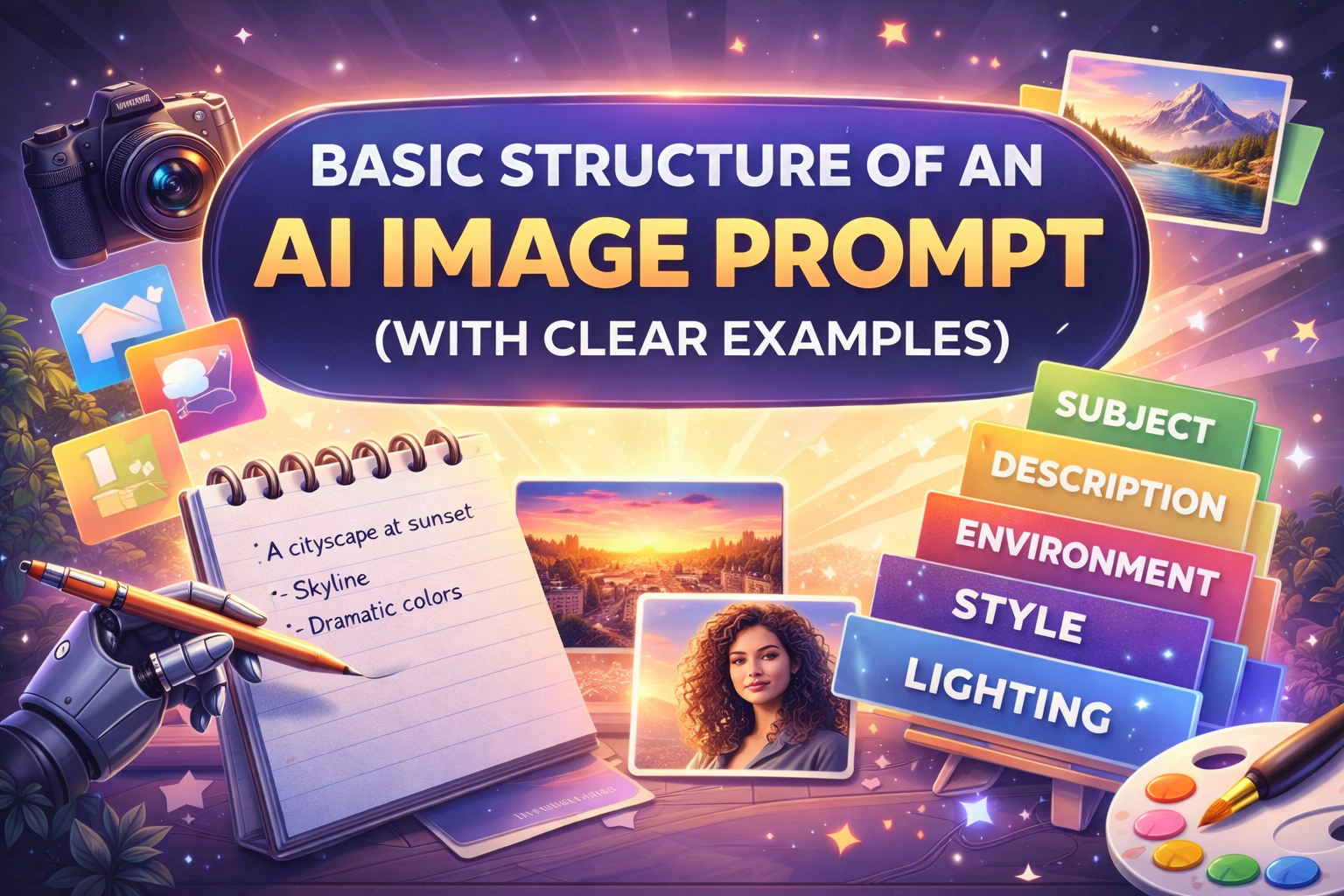
A basic AI image prompt usually contains five main elements. Beginners should focus on mastering these before moving to advanced controls.
1. Subject
This is the most important part of the prompt. It tells the AI what to generate.
Examples:
- a young woman
- a modern house
- a futuristic city
2. Description
This adds details to the subject, such as appearance, emotion, or characteristics.
Examples:
- smiling
- wearing a black jacket
- tall glass building
3. Style
Style defines how the image should look artistically or visually.
Examples:
- photorealistic
- digital illustration
- cinematic
- watercolor painting
4. Environment / Background
This describes where the subject exists.
Examples:
- in a forest
- studio background
- urban street at night
5. Lighting and Mood
Lighting dramatically affects image quality and realism.
Examples:
- soft natural light
- dramatic shadows
- warm sunlight
Each of these elements plays a role. Skipping too many elements often results in generic images.
Recommended Prompt Order
While AI tools can understand prompts in any order, using a logical sequence improves results, especially for beginners.
A recommended order is:
Subject → Description → Environment → Style → Lighting
This order helps the AI prioritize the main subject first and refine details later.
Beginner Prompt Formula
Here is a simple formula you can reuse:
Subject + Key Details + Environment + Style + Lighting
Example Formula Prompt
A realistic portrait of a young man, neutral background, studio photography, soft lighting
This formula is tool-agnostic and works well across most AI image generators.
AI Image Prompt Structure Examples
Below are structured examples based on different use cases.
Example 1: Portrait Prompt
A photorealistic portrait of a woman with curly hair, studio background, professional photography, soft natural light
Example 2: Landscape Prompt
A peaceful mountain lake surrounded by pine trees, early morning, cinematic style, warm sunrise lighting
Example 3: Illustration Prompt
A cute cartoon robot holding a book, colorful illustration style, simple background, bright lighting
Each prompt follows the same structure but produces different types of images.
Simple vs Detailed Prompts
Simple Prompt
A dog sitting in a park
This works but gives the AI very little direction.
Structured Prompt
A golden retriever sitting in a green park, realistic photography style, shallow depth of field, natural daylight
The second prompt produces a more controlled and visually appealing image. As you progress, your prompts should become more intentional, not just longer.
How Prompt Structure Affects Results
A well-structured prompt helps with:
- Better subject clarity
- Fewer unwanted elements
- Improved realism
- More predictable outputs
Poor structure often causes:
- Mixed styles
- Incorrect backgrounds
- Extra objects
- Distorted faces or hands
These issues will be addressed in detail in Fixing Common AI Image Problems.
Common Structural Mistakes Beginners Make
- Missing the subject
Writing style words without defining what the image is about. - Adding too many ideas at once
Mixing anime, realistic, cinematic, watercolor in one prompt. - Ignoring lighting
Lighting is essential for realism and mood. - Unclear priority
Writing background details before defining the subject. - Overusing adjectives without purpose
Learning structure helps avoid these mistakes early.
How This Leads to Advanced Prompting
Once you master basic structure, you can move to:
- Positive and negative prompts
- Prompt weighting
- Multi-character prompts
- Tool-specific formatting
The next article in this series, Positive vs Negative Prompts Explained, builds directly on this structure and teaches you how to control what appears and what does not.
Conclusion
Understanding the basic structure of an AI image prompt is one of the most important skills for anyone working with AI-generated images. A clear structure helps the AI understand your intent and produce high-quality results consistently.
This article showed you the essential elements of prompt writing, recommended order, reusable formulas, and real examples. Once this foundation is strong, advanced prompt engineering becomes much easier.
In the next article, we will explore how positive and negative prompts can further refine your images and eliminate common issues.