By now, you understand AI image prompts, their structure, positive and negative prompting, realism, and cinematic storytelling. However, many users still face confusion when using the same prompt across different AI tools.
A prompt that works perfectly in one tool may produce completely different results in another. This happens because each AI image generator interprets prompts differently.
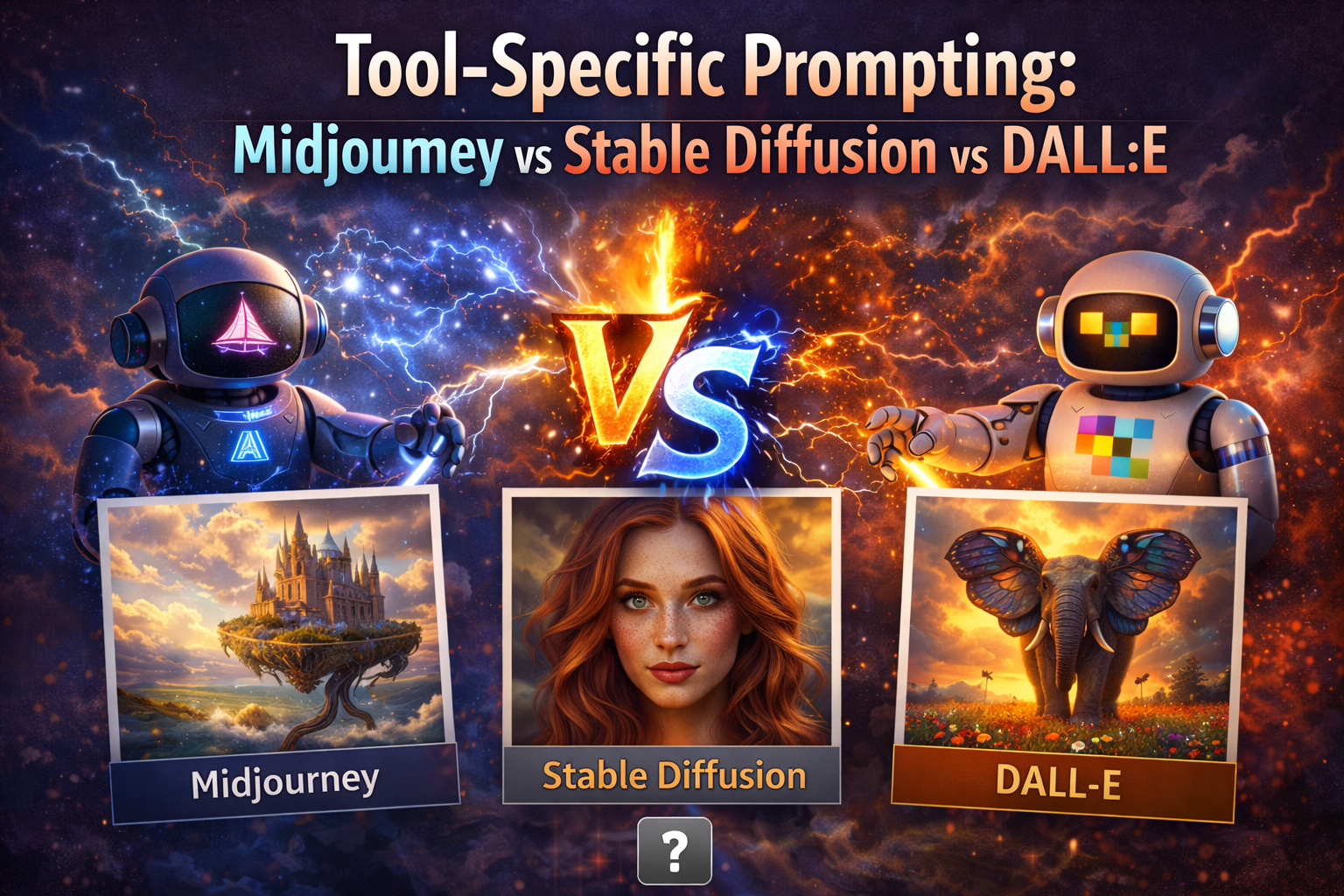
This article explains tool-specific prompting, focusing on three major AI image generators: Midjourney, Stable Diffusion, and DALL·E. Understanding these differences helps you get consistent, high-quality results regardless of the tool you use.
Why Tool-Specific Prompting Matters
AI image tools are trained differently and optimized for different outcomes. Even though they all use text prompts, their internal logic varies.
Tool-specific prompting helps you:
- Avoid unexpected results
- Reduce retries
- Improve consistency
- Use each tool’s strengths
This builds directly on concepts from Basic Structure of an AI Image Prompt and Creative & Cinematic AI Image Prompt Techniques.
How AI Image Tools Interpret Prompts
All AI tools analyze prompts using similar steps:
- Identify subject
- Interpret style
- Apply lighting and composition
- Generate an image
However, the priority order and sensitivity differ.
Some tools prioritize artistic style. Others focus on realism or simplicity. This is why prompt behavior changes across platforms.
Midjourney Prompting Style
Midjourney is known for its artistic and cinematic outputs. It strongly responds to descriptive and stylistic language.
Midjourney Characteristics
- Very responsive to mood and atmosphere
- Strong cinematic lighting
- Artistic bias
- Less strict realism by default
Midjourney Prompt Tips
- Use expressive adjectives
- Focus on mood and scene
- Add cinematic language
- Use fewer technical camera terms
Example Midjourney Prompt
A cinematic portrait of a warrior standing in the rain, dramatic lighting, intense mood, detailed textures, epic atmosphere
Midjourney works especially well with techniques explained in Creative & Cinematic AI Image Prompt Techniques.
Stable Diffusion Prompting Style
Stable Diffusion offers the highest level of control, especially for realism and precision. It responds well to structured prompts and negative prompts.
Stable Diffusion Characteristics
- Highly customizable
- Strong realism potential
- Sensitive to prompt order
- Negative prompts are critical
Stable Diffusion Prompt Tips
- Use clear structure
- Add technical photography terms
- Always include negative prompts
- Avoid vague language
Example Stable Diffusion Prompt
Positive prompt:
A photorealistic portrait of a man with natural skin texture, studio background, DSLR photography, shallow depth of field, soft lighting

Negative prompt:
cartoon, illustration, anime, painting, blurry, distorted face, extra fingers
Stable Diffusion aligns closely with Photorealistic AI Image Prompts and Positive vs Negative Prompts Explained.
DALL·E Prompting Style
DALL·E is designed for simplicity and clarity. It works best with natural language and avoids heavy technical formatting.
DALL·E Characteristics
- Natural language understanding
- Clean, simple outputs
- Less reliance on negative prompts
- Balanced realism and creativity
DALL·E Prompt Tips
- Write complete sentences
- Avoid excessive keywords
- Describe the scene clearly
- Keep prompts human-friendly
Example DALL·E Prompt
A realistic photo of a young woman sitting in a cafe, soft natural light coming through the window, calm and warm atmosphere
DALL·E is ideal for users who prefer simplicity over heavy prompt engineering.
Same Prompt, Different Tool Results
Consider this base prompt:
A cinematic portrait of a man standing alone at night, dramatic lighting
Midjourney Output
- Highly stylized
- Dramatic shadows
- Strong mood
- Artistic look
Stable Diffusion Output
- Requires more detail
- Needs camera and realism cues
- Benefits from negative prompts
DALL·E Output
- Balanced and clean
- Less dramatic by default
- More literal interpretation
This comparison shows why one-size-fits-all prompts do not exist.
Choosing the Right Tool for Your Goal
| Goal | Best Tool |
|---|---|
| Cinematic art | Midjourney |
| Photorealism | Stable Diffusion |
| Simple visuals | DALL·E |
| High control | Stable Diffusion |
| Fast creativity | Midjourney |
Understanding this helps align your prompts with business use cases discussed in AI Image Prompts for Business & Marketing.
Common Mistakes When Switching Tools
- Using the same prompt everywhere
- Ignoring tool strengths
- Overusing technical terms in DALL·E
- Forgetting negative prompts in Stable Diffusion
- Expecting realism from Midjourney without effort
Each tool rewards a different prompting style.
How Tool-Specific Prompting Leads to Advanced Techniques
Once you master tool-specific prompting, you can move into:
- Prompt weighting
- Seed control
- Image consistency
- Workflow optimization
These techniques are part of Advanced Prompt Engineering Techniques, where tool differences become even more important.
Conclusion
Tool-specific prompting is a critical skill for anyone serious about AI image generation. While the core principles of prompt writing remain the same, Midjourney, Stable Diffusion, and DALL·E each require a different approach.
By understanding how each tool interprets prompts, you can write smarter instructions, reduce trial and error, and consistently generate high-quality images.
This article connects everything learned so far and prepares you for expert-level prompt engineering techniques.